Measurements on technical drawings
Open a drawing.Calibrate.Measure.
Skalnivo is an app for measuring on flat 2D documentation: PDF, DWG, DXF and images. Mark two points with a known dimension, and every further segment can be read in meters, centimeters or millimeters.

 App Store – coming soon
- Free
- No ads
- No account
- Works offline
- Calibrate
- Measure
Drag points A and B to the ends of the labeled 7.20 m dimension.
Keyboard: Tab selects a point, arrow keys move it (Shift — larger step).
Try it directly on the drawing below.
How it works
Three steps to the dimension missing from the drawing
No guessing the scale from metadata and DPI. The scale comes from a dimension you mark yourself.
- 01
Open
Load a PDF, DWG, DXF, JPG, PNG or WebP file, or photograph a paper drawing. The original is never edited — measurements live in a separate overlay.
- 02
Calibrate
Mark two points on a segment of known length, e.g. a labeled 4.00 m dimension, and enter the value. The app shows a “Calibrated” message.
- 03
Measure
Mark further points — distance, route length, area, perimeter or circle. Results update in real time, and the points can still be adjusted.
Tools
Seven tools, one calm panel
The center button on the bar opens a panel above the navigation. Tapping it again collapses it — your measurements stay.
Distance
Two points, one segment. The fastest way to get a missing dimension.
Polyline length
The route of pipes or cables: the sum of all segments, with node editing.
Area
A closed polygon, including concave ones. Self-intersecting shapes are flagged with a warning.
Perimeter
The sum of the sides of a closed polygon — optionally together with the area.
Circle
Center and a point on the circumference, or three points. Result: diameter, radius, circumference and area.
Calibration
Two points and a known dimension. Stored separately for each page or scan, and on a sheet with several scales also for each view (region).
Measurements
A list with names, visibility, value copying and deletion — e.g. “Corner to window”.
Formats
Your drawings, in the format you received them
All formats are opened read-only. The app does not save changes to the source file.
- PDF
Multi-page, vector and scanned. Separate calibration for each page.
- DWG
Read 2D drawings with layers and layer visibility in the viewer only. No editing or saving.
- DXF
A supporting CAD format read as 2D — convenient for exchanging drawings.
- JPG
Photos and scans with correct EXIF orientation.
- PNG
Screenshots and drawing exports without quality loss.
- WebP
Modern images with a small file size.
DWG and DXF files sometimes contain elements that cannot be reproduced (e.g. missing fonts, external references, custom objects). Skalnivo clearly flags this instead of showing false geometry.
Scanning a paper drawing
A photo of a sheet that you measure like a file
Photograph a flat drawing at an angle. Skalnivo finds the corners of the sheet, and you can adjust them manually at any time. Perspective correction turns the sheet into a rectangle — only then do you calibrate the scale with a known dimension.
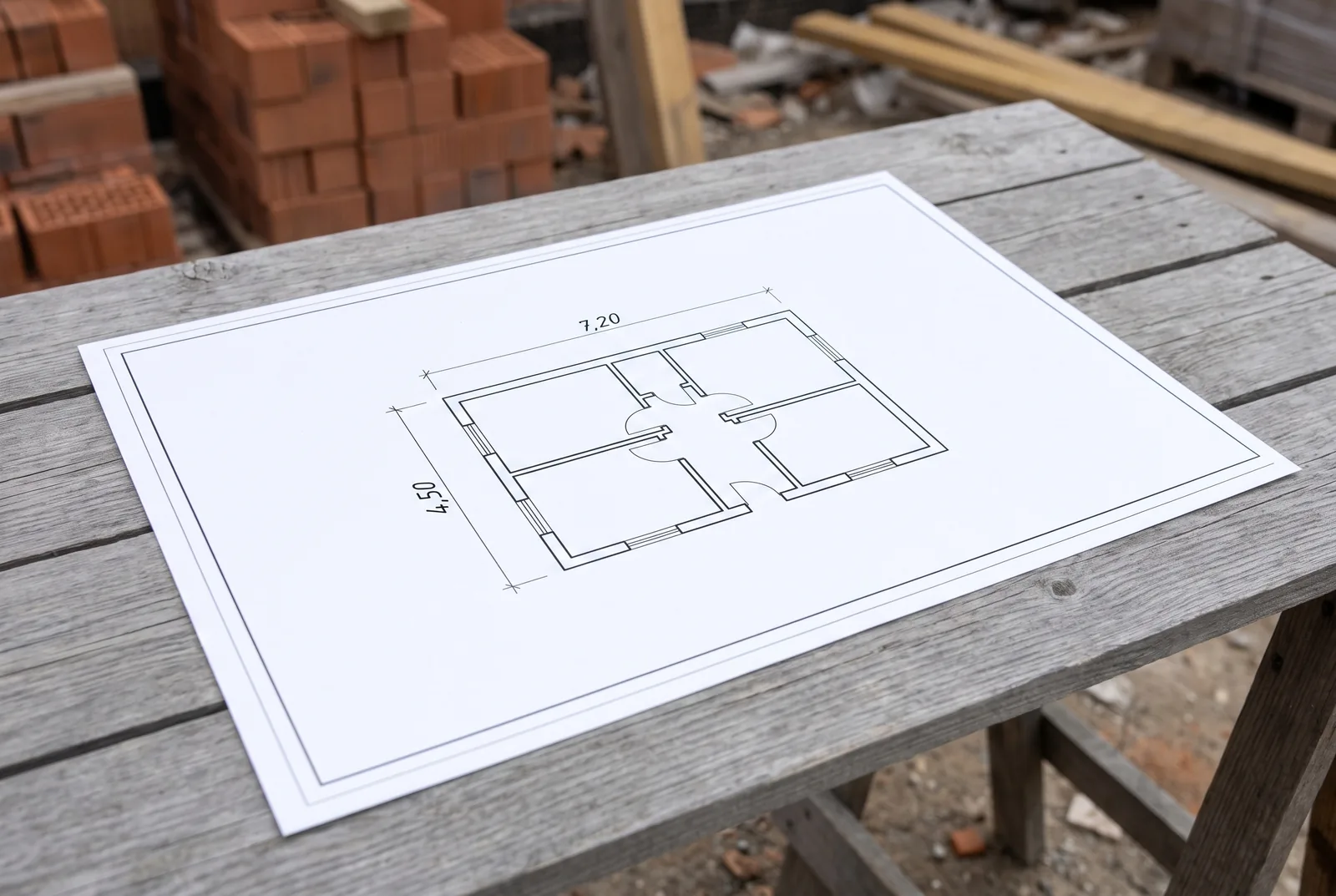 1
Photo taken at an angle
You photograph the paper drawing; the phone does not have to be held exactly above the sheet.
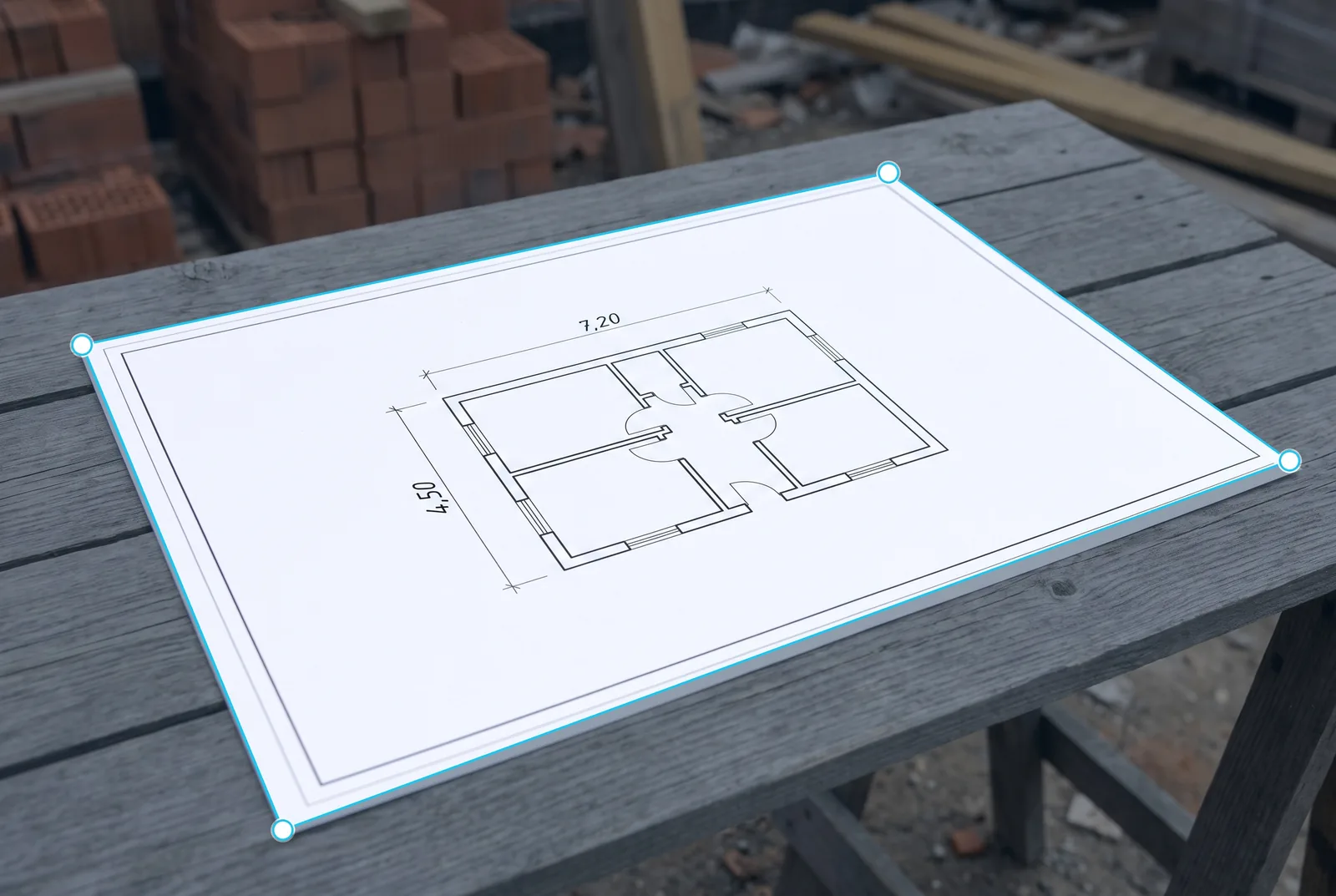 2
Corner detection
The app detects the sheet corners. You can move the handles manually when needed.
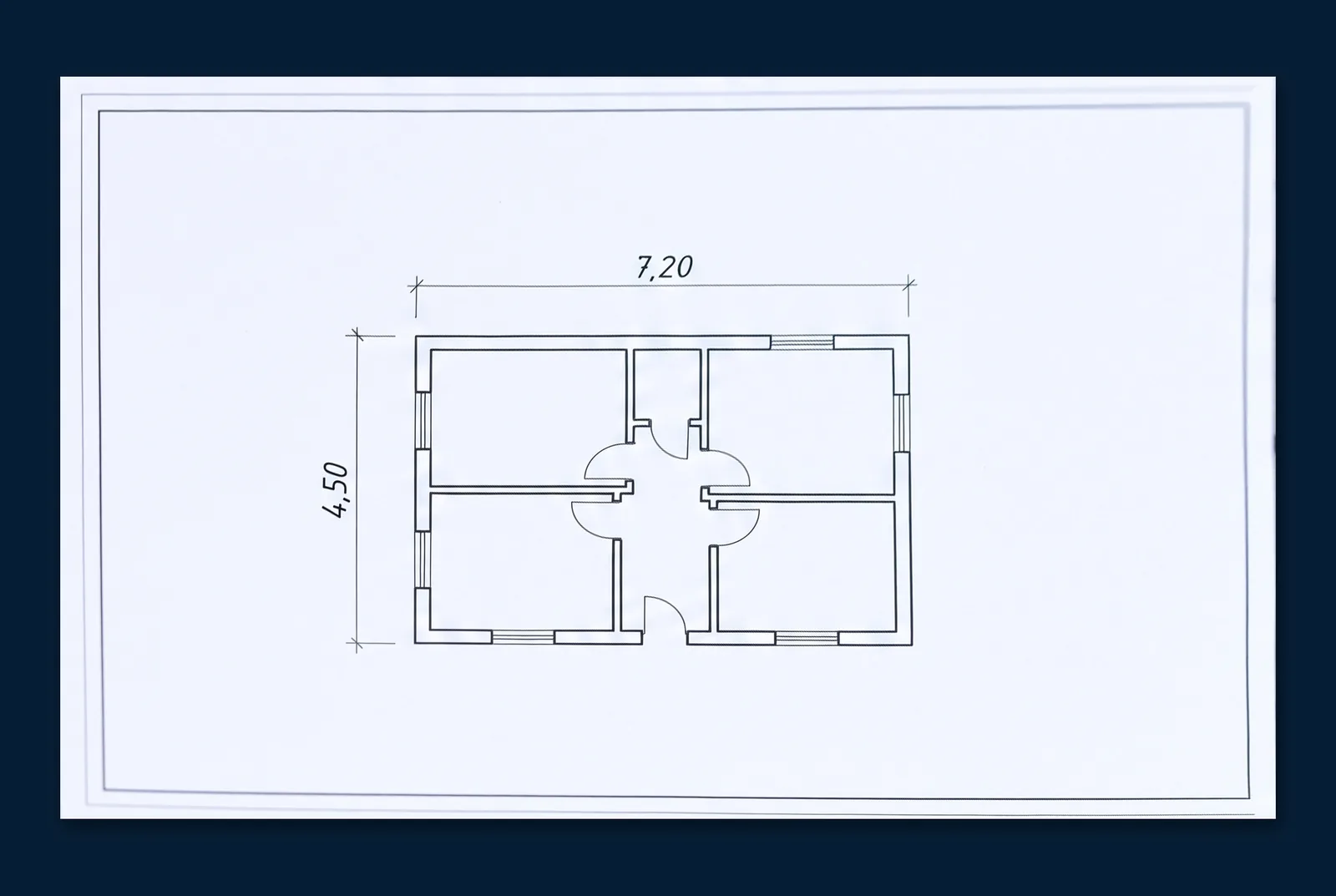 3
Perspective correction
The image is straightened to a top-down view: lines are straight and parallel.
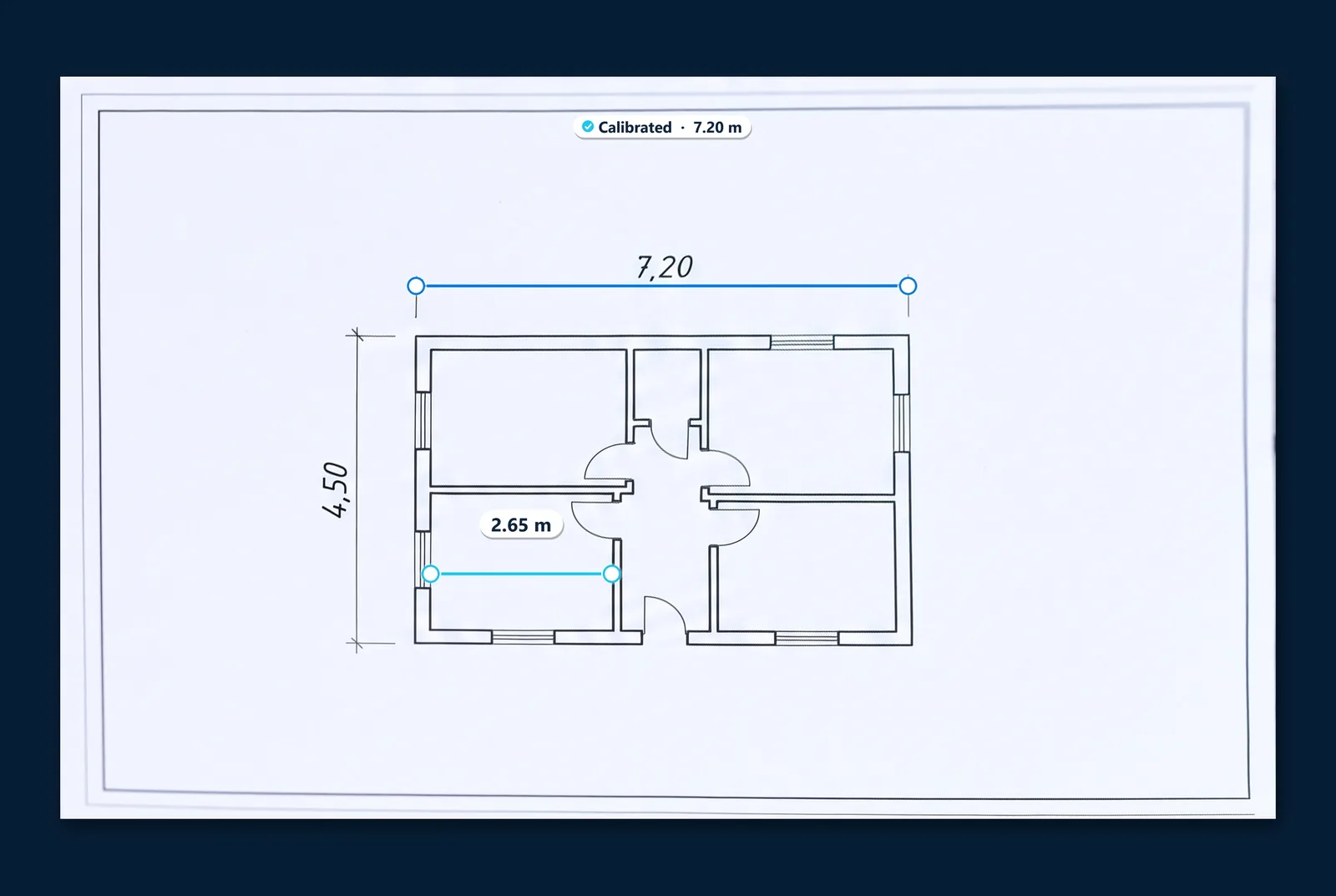 4
Calibrate and measure
You mark a known dimension, such as 7.20 m, and measure other distances on the drawing.
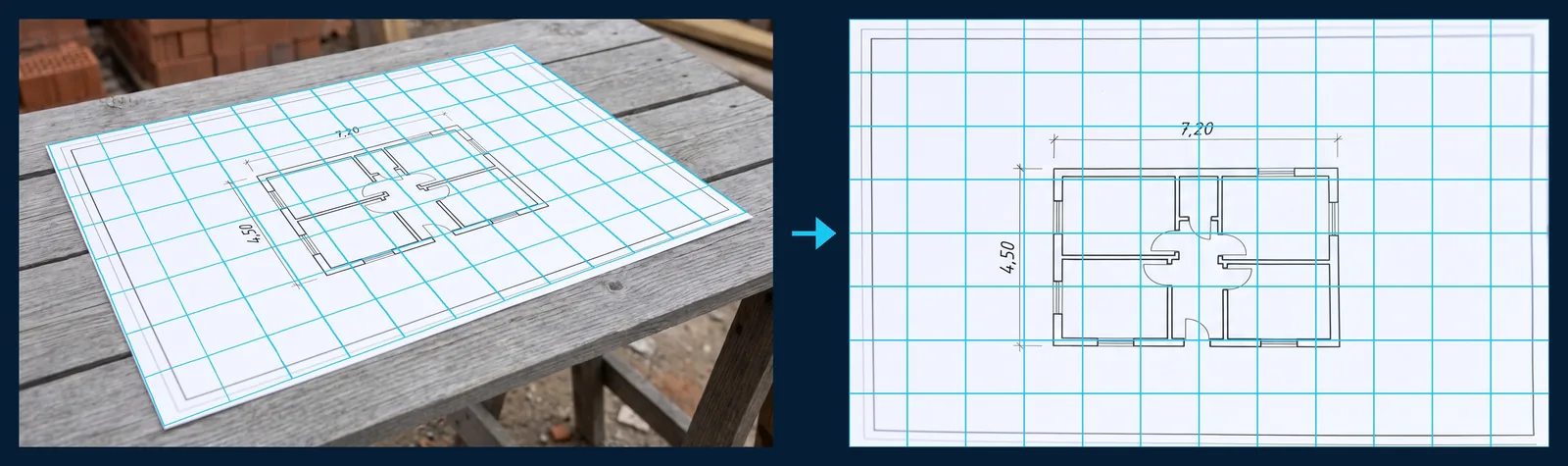
- Automatic detection of the sheet edges and manual adjustment of all four corners
- Perspective correction (homography) for a flat sheet
- Rotation, cropping, color and black-and-white modes, original preview
- Save as a new document and go straight to calibration
Scanning applies only to flat drawings. Skalnivo does not measure buildings, plots of land or 3D objects in photos.
Perspective correction step by step
Who it's for
For anyone who reads drawings and needs a number
Anywhere a plan is missing one dimension and all you have at hand is a phone.
Builders and contractors
The distance from a wall corner to a window edge, axes, offsets — straight from a plan or elevation.
Installers
The route length of pipes, ducts and cables on an installation diagram, measured as a polyline.
Architects and designers
Quick verification of dimensions and room areas on any version of a drawing.
Designers and engineers
Dimensions of unlabeled segments on details of structures, foundations or roof trusses.
Carpenters and fitters
Dimensions of openings and components from workshop drawings, without reaching for a calculator.
Manufacturing and DIY
Diameter, radius and circumference of circles on part drawings, and your own projects.
At work
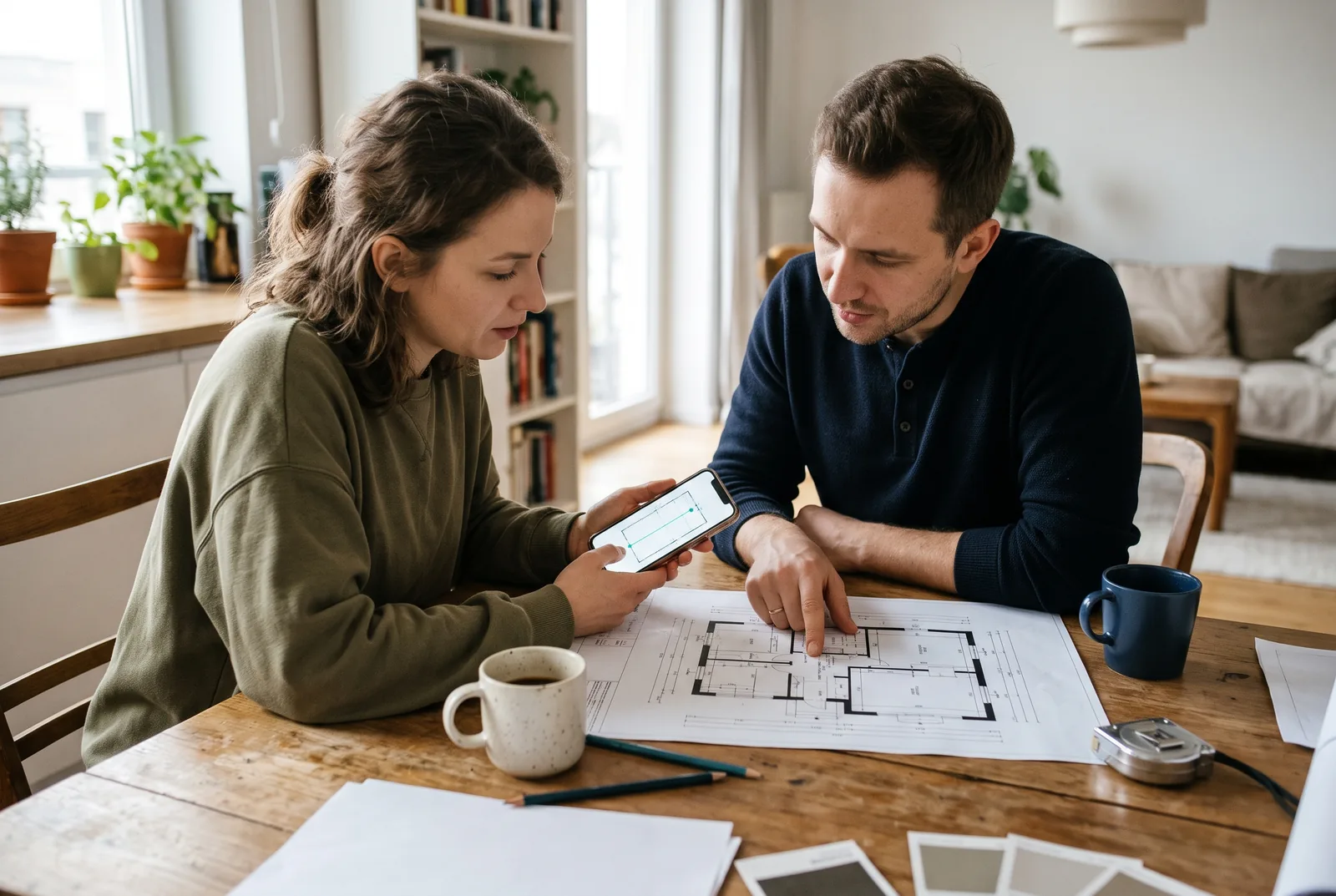
Planning a home renovation 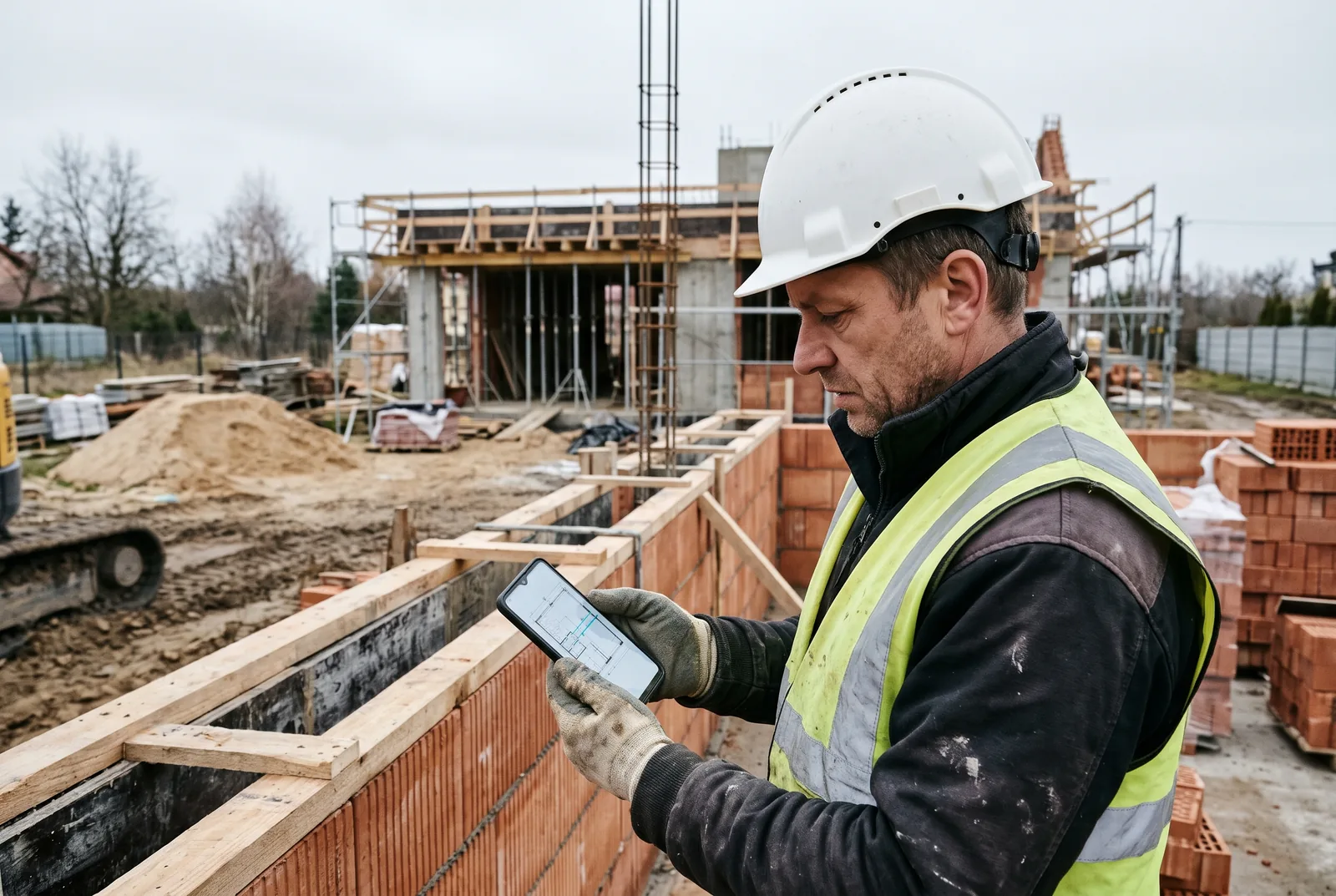
Building a single-family house 
High-rise under construction 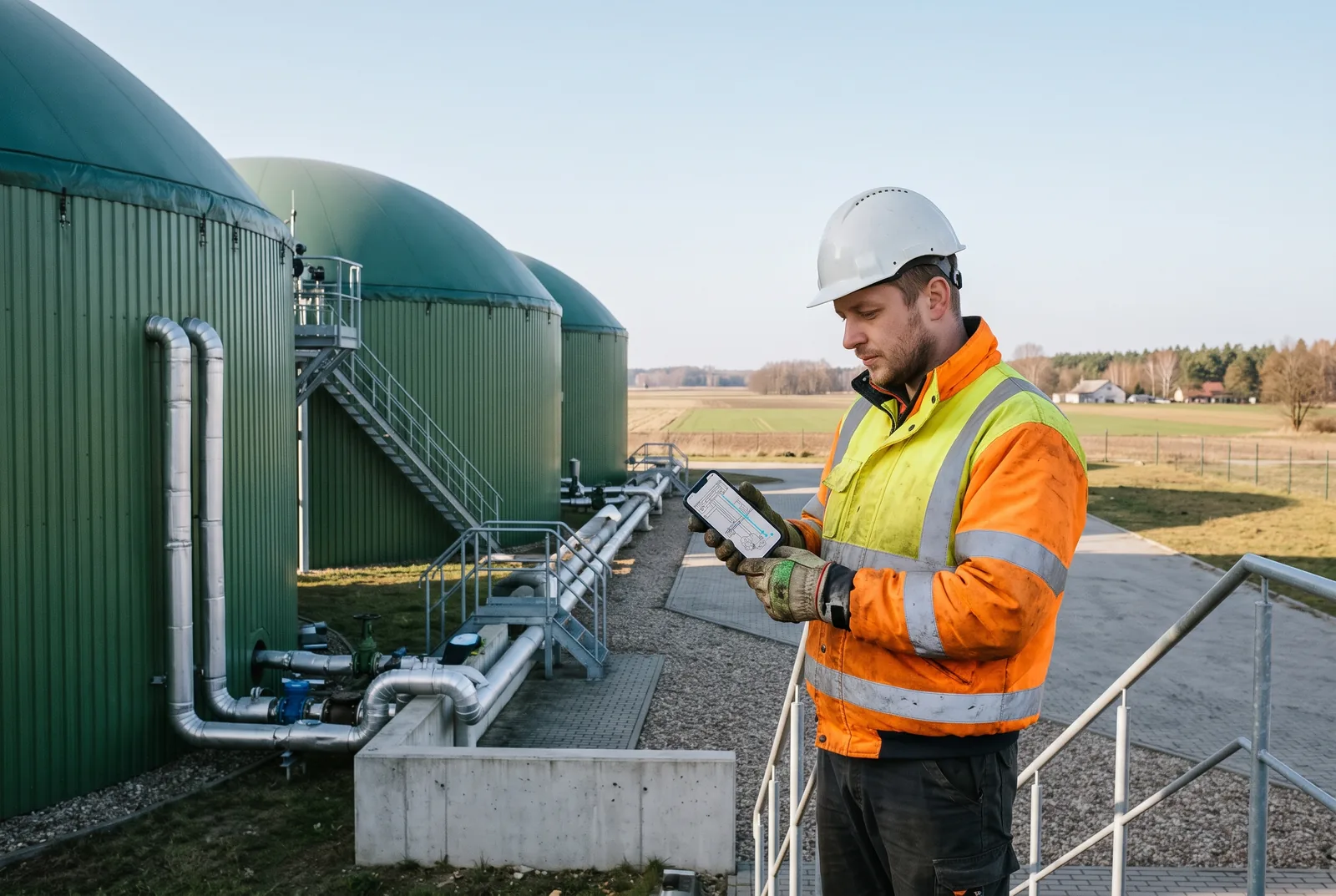
Biogas plant 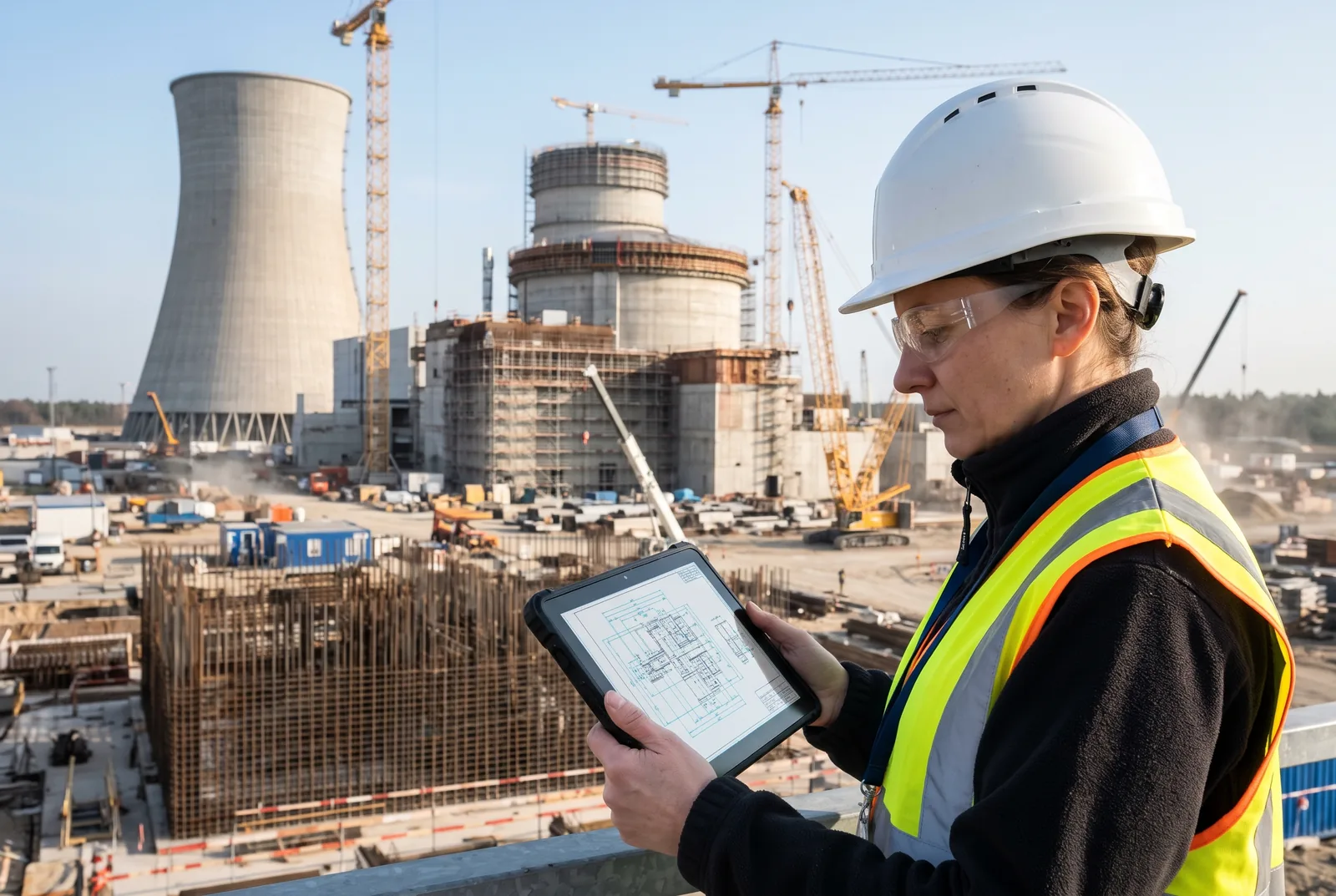
Nuclear power plant 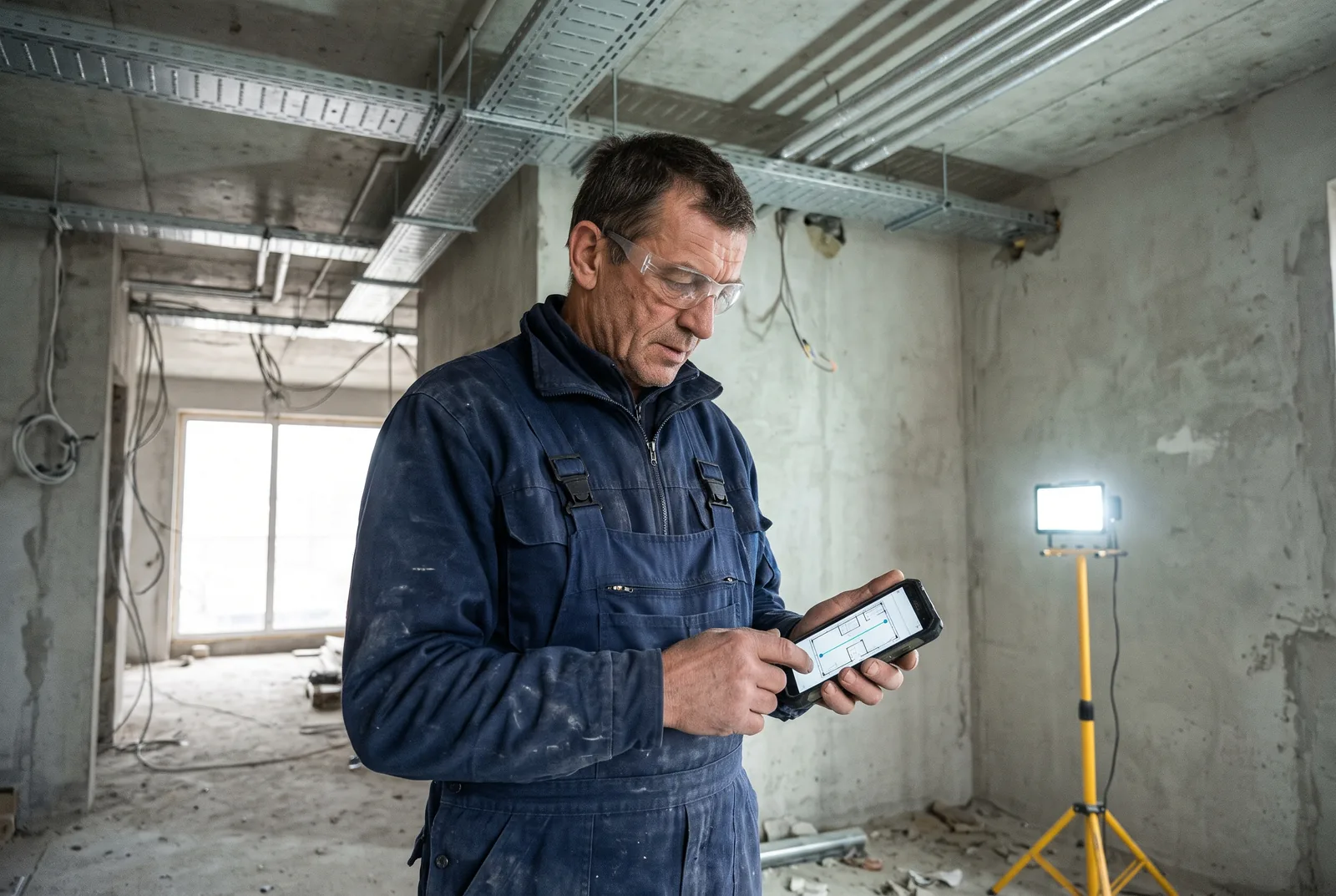
Electrical installation 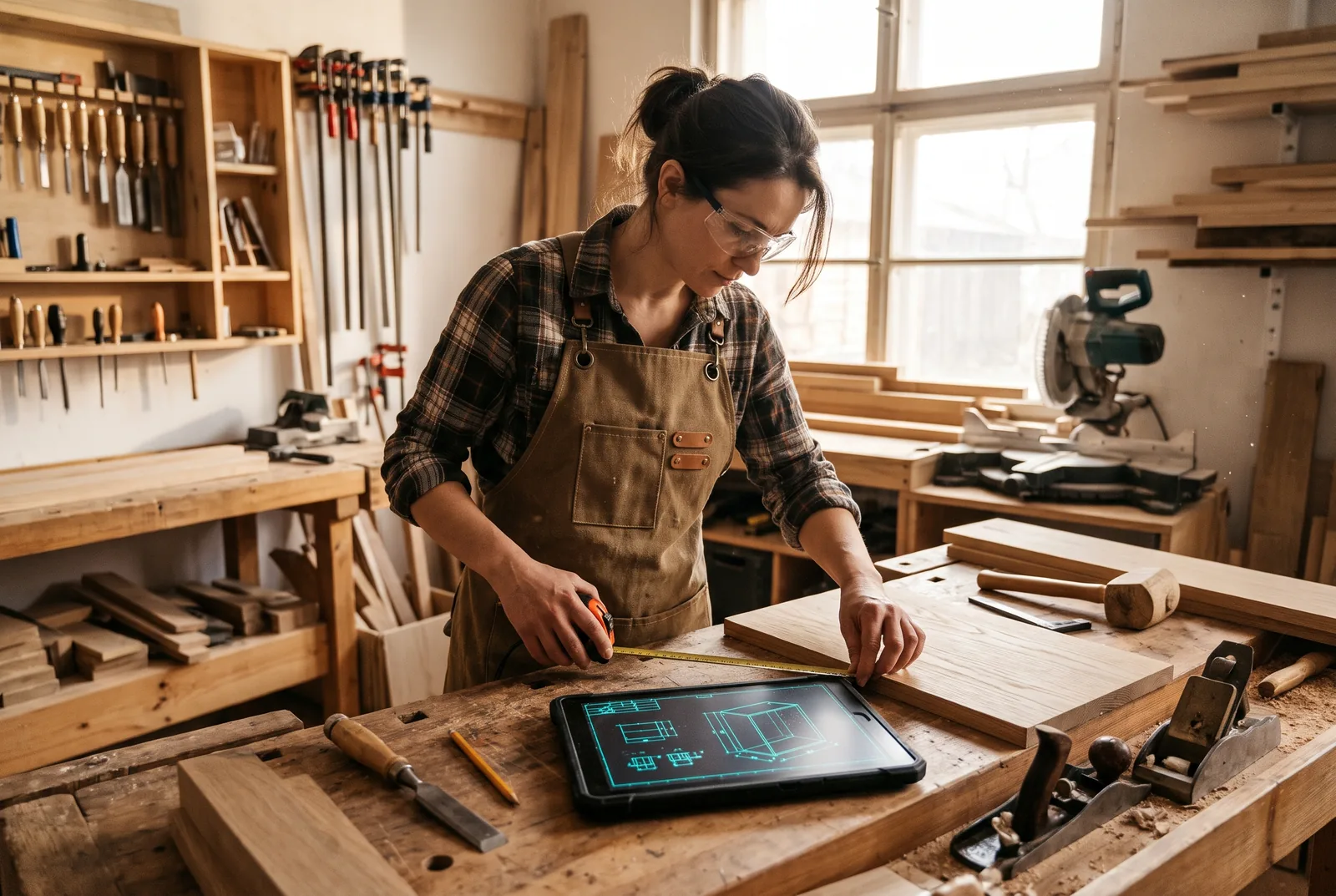
Carpentry workshop


Privacy
Your drawings stay on your device
Skalnivo is designed as an offline-first app. Drawings are often confidential, so we don't upload them.
Works offline
Import, scanning, calibration and measurements don't require the internet.
No account
Guest mode is fully featured. Signing in with Google or Apple is optional.
No drawing uploads
Files and measurements never reach our server. We don't offer cloud storage or file hosting.
No ads or trackers
Version 1.0 is free and contains no ads or advertising SDKs.
Precision and its limits
Accuracy and its limits
Skalnivo calculates at full precision and rounds only on screen. But a result can never be better than the data it comes from.
What the app does
- Calculates on the stored document coordinates, so zooming, panning and rotating the screen don't change the result.
- Lets you move points after placing them and shows a precision loupe under your finger.
- Rejects zero and negative values, points that are too close together, and ambiguous polygons.
- Lets you check the scale with a second known dimension and marks the page as Needs checking when the deviation exceeds 1%.
What the result depends on
- How precisely you place the points — which is why in the demo you can see for yourself how a placement error affects the result.
- The quality of the source: a stretched printout, a distorted photo or a drawing that isn't to scale gives less reliable numbers.
- The known dimension: if the label on the drawing is wrong, the calibration will be wrong too.
This is a supporting tool, not a surveying or laboratory instrument. Always confirm critical dimensions by measuring on site.
In the browser
Open and measure in the browser
Signed-in users can use the same app directly at skalnivo.com/app/ — handy when the file is on your computer.
- Files are processed locally in the browser — nothing is saved or sent to a server.
- Measurements disappear when you close the tab. The library, saving and the camera scanner are in the mobile app.
- Sign in with email (one-time link), Google or Apple.
FAQ
Frequently asked questions
How much does Skalnivo cost?
Do I need an account?
Does the app work without internet?
Which file formats does it open?
How does calibration work?
How accurate are the measurements?
Download
Skalnivo for Android and iOS
Free in version 1.0, no ads, no need to create an account.
App Store – coming soonAndroid and iOS · phones and tablets